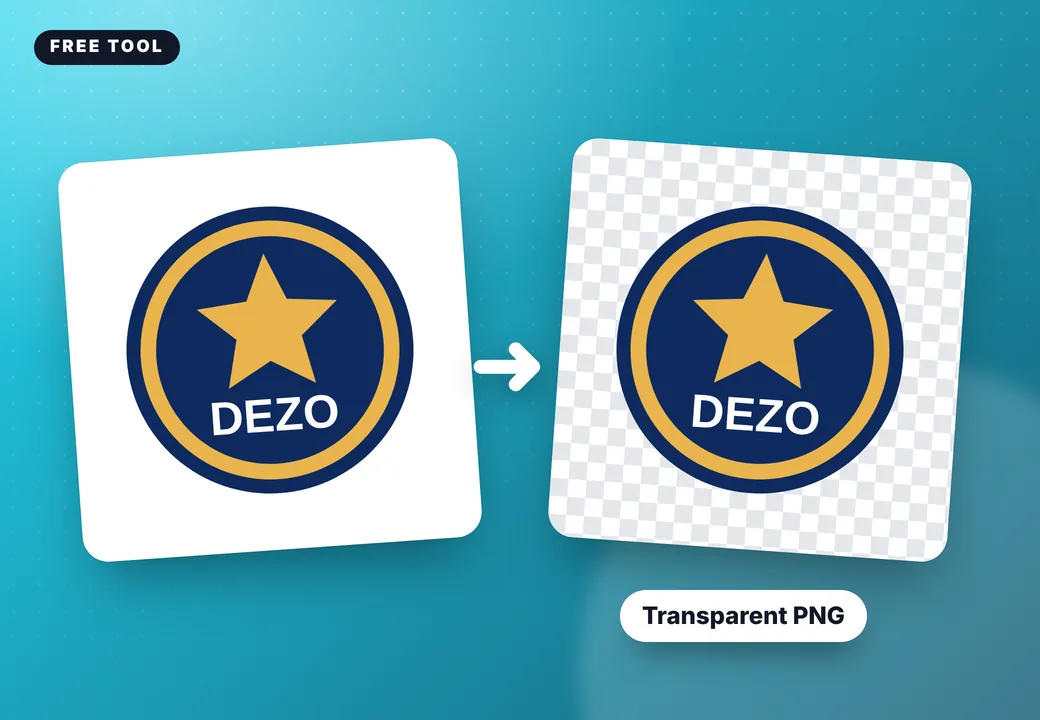
This free logo background remover takes the white or colored box off your logo in one click, so it prints cleanly on a T-shirt, hoodie or hat. It even clears the background inside letters and shapes, softens the edges with no white halo, and shows the result on a real garment.
Live 2D preview — drag artwork to position it, pull a corner handle to resize, and use the top handle to rotate. Use the zoom slider to inspect details; hold Space and drag to pan on desktop. Undo and redo are available below.
Select a logo or text on the garment to change its print size or decoration method. You can also resize it with a corner handle and rotate it with the top handle on the preview.
1 Choose a product
Not in our list? Upload a photo of your product and design on it.
Changes update the preview instantly. Final color, placement and decoration are confirmed during sampling.
2 Colors & color blocking
Choose a color-block layout, then use Panel color and Panel B to customize the contrast. Preview panels are visual concepts; final seam and pattern placement is confirmed during sampling.
Tap a part, then pick its color
3 Camo, tie-dye & print styles 141 ready-made
Pick a ready-made fabric style for the whole garment or one part, then add your logo on top. Camo, tie-dye, washes, stripes, plaids, animal and abstract prints.
4 Add your logo or text
Select a text on the garment to edit it with these controls.
5 Place and finish the selected design
Save my design to finish later
🔒 Private by design: your mockup, tech pack and original artwork files are sent only to Dezo Industry for sampling and production. They are not shared with anyone else.
6 Order details optional, helps us quote faster
- No logo or text added yet.
Your design link
Saving your design...
Get your design sheet
Leave your email or WhatsApp and we will send you a copy and review your design for free. Your download starts right away.
Please enter an email or a phone number.
7 Send your mockup to Dezo Industry
Add your details and we will review your exact design and reply with price, MOQ and sampling. Your front/back 2D mockup is attached automatically to your enquiry.
How to remove a logo background
- Upload your logo (PNG, JPG or WEBP), or select a logo already on your mockup.
- The background is removed automatically, including inside letters like O, A and B.
- Preview it on transparent, dark or your garment color to check the edges.
- Fix anything by hand: tap a color to remove it, or use the erase and restore brushes.
- Tap Use on my garment. Dezo receives both your original file and the clean one.
Why a clean background matters for clothing
A logo saved with a white box prints as a white box. On a black hoodie that ruins the design. Screen printing, DTF and embroidery all need artwork with a transparent background, so removing it before you send the file saves a round of back-and-forth with your factory.
Best results
The remover works best on logos and graphics on a plain background. For photos or very detailed art, send the original file too: our team prepares print-ready artwork for every order. Not sure how to decorate it? Try the print method chooser.
Made in our own factory, shipped to the USA
Dezo Industry is a private-label clothing manufacturer for startups and new US brands: hoodies, sweatsuits, T-shirts, jackets, activewear and leather, with screen print, embroidery, puff print, patches and DTF under one roof. Samples take about 7 days, MOQ starts from 5 pieces, and we ship door to door to all 50 states.
Frequently asked questions
Is the background remover free?
Yes, with no sign-up and no watermark on your logo. It runs on your own device.
Does it work on photos?
It is made for logos and graphics on a plain background. For photos with busy backgrounds, use the erase brush or send us the file and our artists prepare it.
Do you keep my original logo?
Your original and the clean version are sent privately to Dezo Industry only when you send us your design.
Which file should I send for printing?
A vector file (AI, PDF, SVG or EPS) is best. A transparent PNG at 300 dpi at the print size also works.
More free design tools: Sketch to Mockup · Voice Design Assistant · Matching Set Designer · Collection Mockup Generator · Free mockup generator
Logo background remover: next steps for US brands
Have a question about logo background remover? Our team answers within 24 hours. You can also design your product first and send it with your request. Get a free quote or design a free mockup.